
Course
NR514 Health Assessment
Assignment Overview
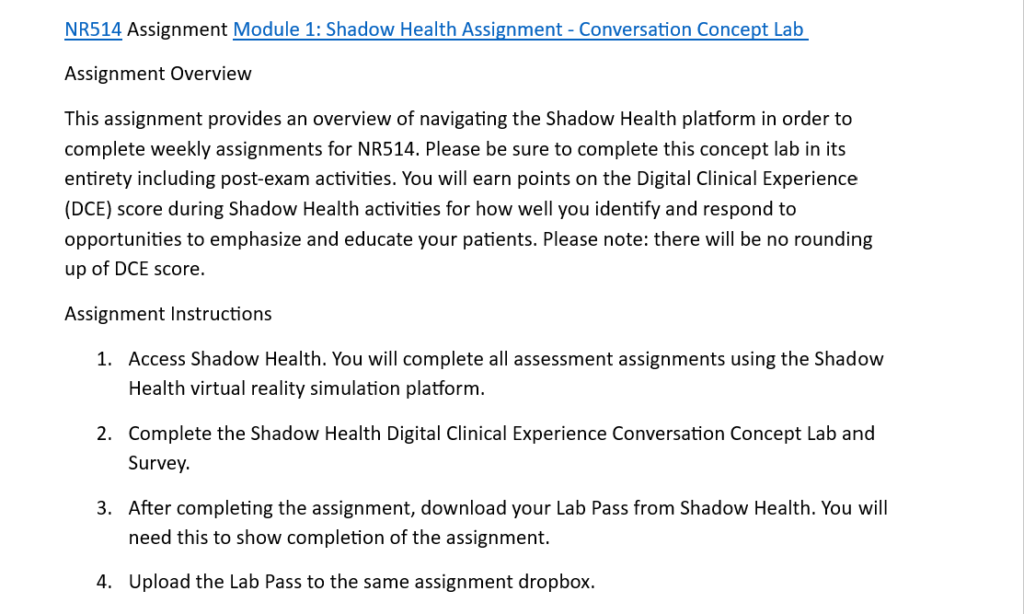
This assignment provides an overview of navigating the Shadow Health platform in order to complete weekly assignments for NR514. Be sure to complete the concept lab in its entirety, including post-exam activities. Points will be earned on the Digital Clinical Experience (DCE) score during Shadow Health activities based on how well opportunities are identified and patient education is provided. There will be no rounding up of the DCE score.
Assignment Instructions
- Access Shadow Health. All assessment assignments will be completed using the Shadow Health virtual reality simulation platform.
- Complete the Shadow Health Digital Clinical Experience Conversation Concept Lab and Survey.
- After completing the assignment, download the Lab Pass from Shadow Health to show completion of the assignment.
- Upload the Lab Pass to the same assignment dropbox.
How to Approach This Assignment
- Prepare to access the Shadow Health platform
- Ensure login details are available and the platform can be accessed without technical issues.
- Use a reliable internet connection and compatible device to avoid interruptions during the simulation.
- Review any instructions provided before starting the concept lab.
- Complete the Conversation Concept Lab carefully
- Follow all prompts and instructions given during the simulation.
- Pay attention to communication opportunities where patient education or clarification is required.
- Take time to respond thoughtfully rather than rushing through the activities.
- Focus on improving the Digital Clinical Experience (DCE) score
- Identify moments where patient education is needed and respond appropriately.
- Provide clear, supportive, and patient-focused responses during interactions.
- Make use of available feedback during the simulation to improve responses.
- Finish all required activities
- Ensure both the main concept lab and post-exam activities are fully completed.
- Double-check that all sections show completion before exiting the platform.
- Avoid skipping steps, as incomplete tasks may affect the final score.
- Download and submit the Lab Pass
- Locate the Lab Pass after completing the simulation.
- Save the file in an accessible location on the computer or storage device.
- Upload the Lab Pass to the correct assignment dropbox and confirm successful submission.